Hook
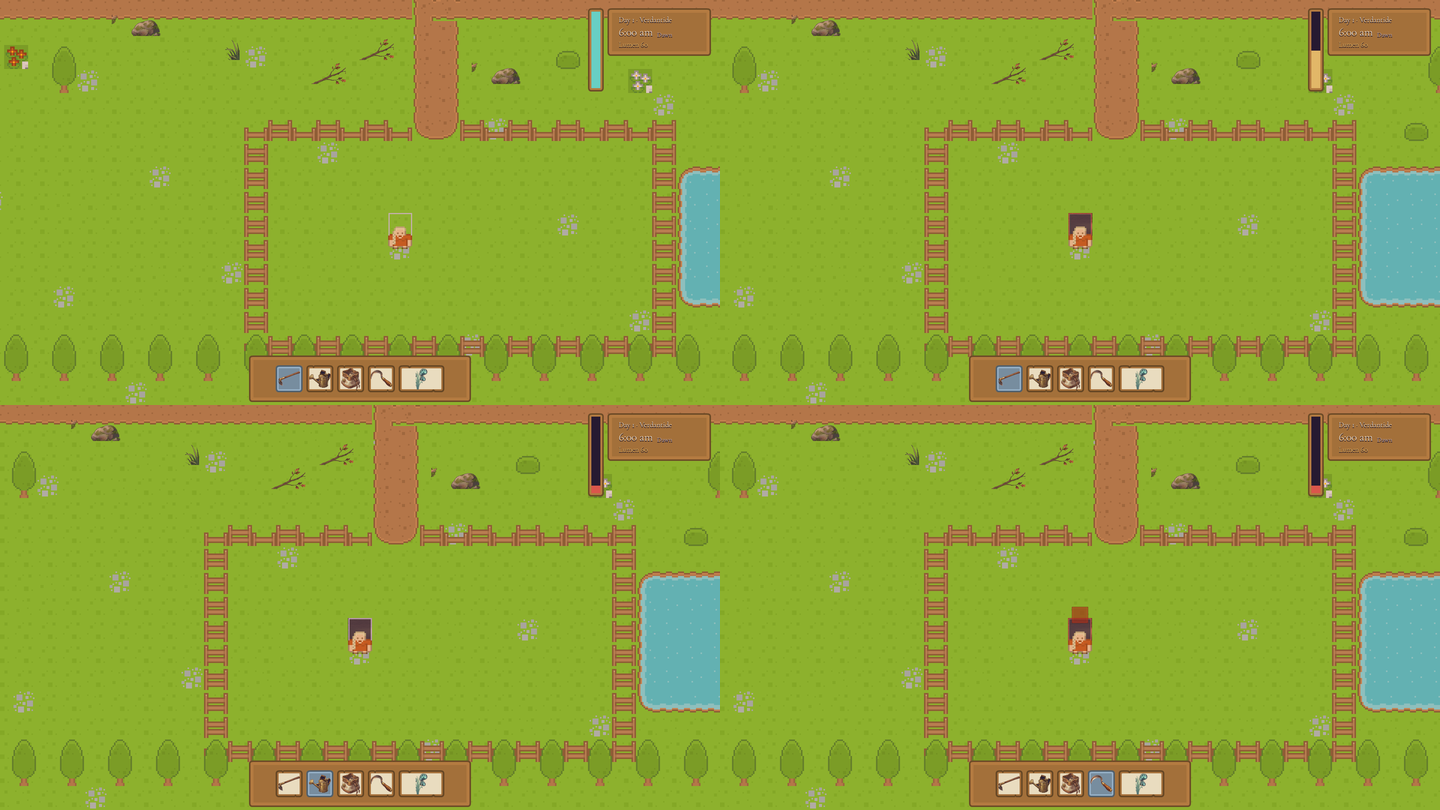
The target cursor is a small feature, but it changed how I judged the farm loop.
Before this pass, I could ask whether the hoe worked. After this pass, I had to ask a sharper question: can a player tell where the hoe is about to work before they press the button? Cozy farming is built from repeated actions, and repeated actions only feel good when the screen answers the player’s intent quickly.
What Changed
This post comes from the P1.1 and P1.2 work around bf13384, later merged as 0a3186d: tool-target cell cursor + living HUD.
The practical changes were narrow: the farm layer exposes enough target information for the presentation layer, the HUD became more alive, the clock gained clearer visible state, and the test suite gained a capture path for the cursor. The important design change was that tool use stopped being just an input event. It became a readable contract between the player, the highlighted cell, the toolbar, and the world state.
Codex And Godot Workflow
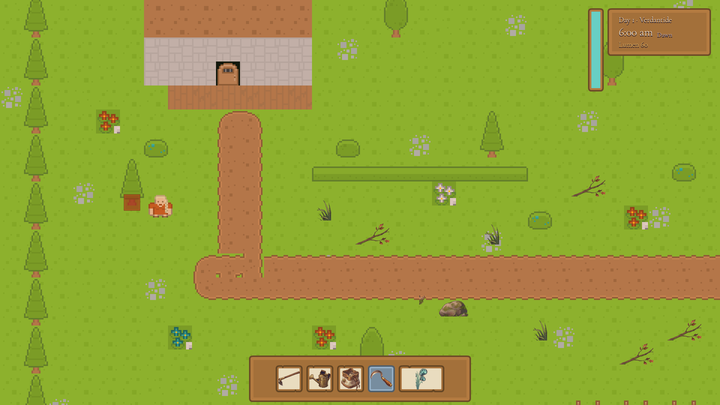
This was a useful Codex task because the change cut across small systems. A target cursor touches simulation data, input, world presentation, HUD layout, and tests. None of those edits are hard alone, but the feature fails if they drift apart.
The loop was simple: make the cursor visible, capture it, then let the screenshot argue with the implementation. If the highlight was technically correct but not readable in a full farm frame, it was not done.
Visible Result
The screenshot proof shows the player standing in the field with a clear tool target. It is not a polished final interaction yet, but it removes an important layer of guesswork. The player can now see that the game understands their facing direction and selected tool.
That matters because every farm verb will reuse this trust. Clear debris, till soil, sow seed, and water crops all need the same promise: the game should show where the action will land, then make the world change when the animation lands.
What Broke Or Surprised Me
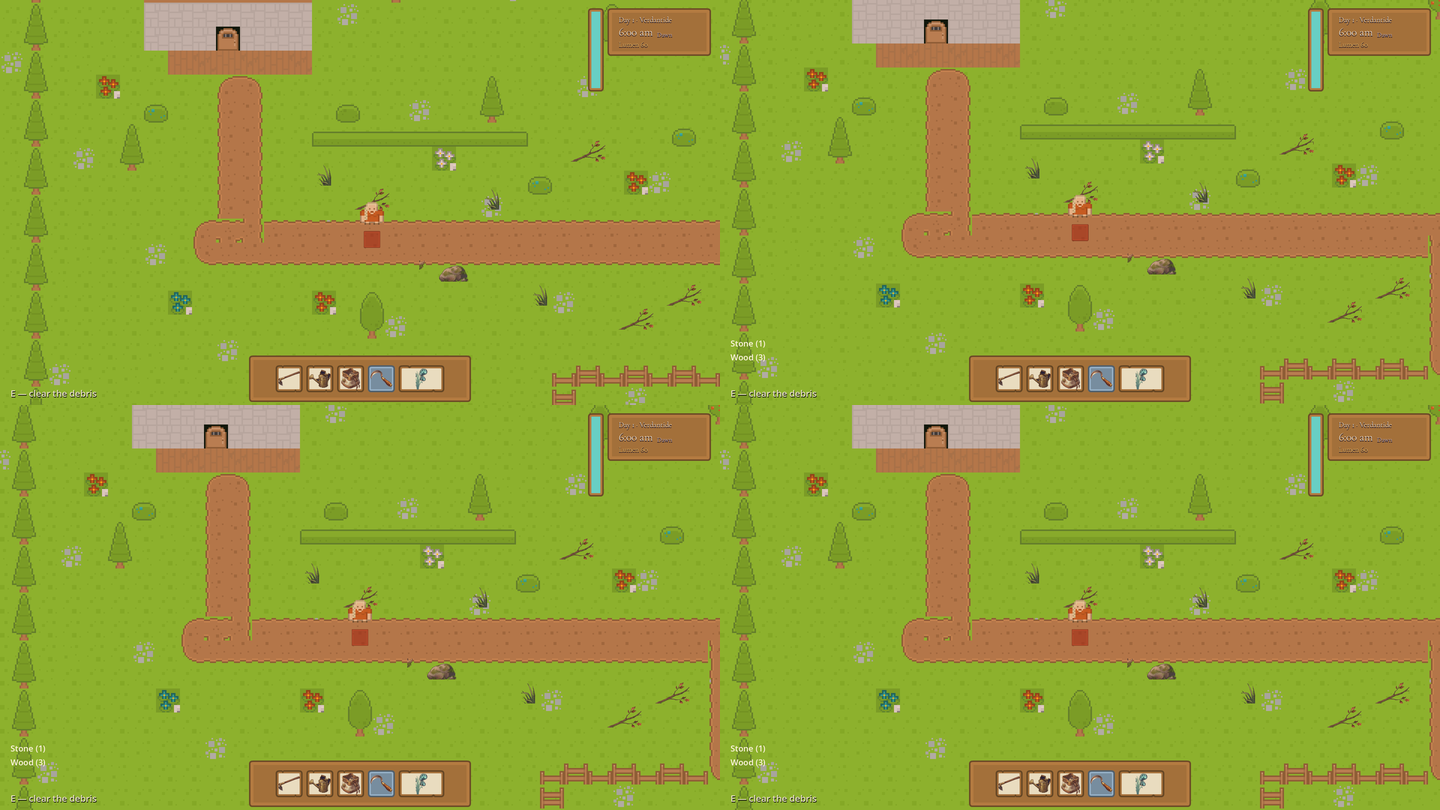
The surprise was how quickly HUD improvements can become HUD noise. A clock, toolbar, prompt, energy bar, and cursor are all helpful in isolation. Together, they can crowd the field if the hierarchy is wrong.
That pushed the next pass toward player experience rather than more UI widgets. The goal is not to explain every system. The goal is to make the first correct action feel obvious.
Next Experiment
The next target is contact-frame feedback. The cursor shows intent before the action. The animation, particles, sound, and world state need to confirm that intent at the exact moment the tool lands.